



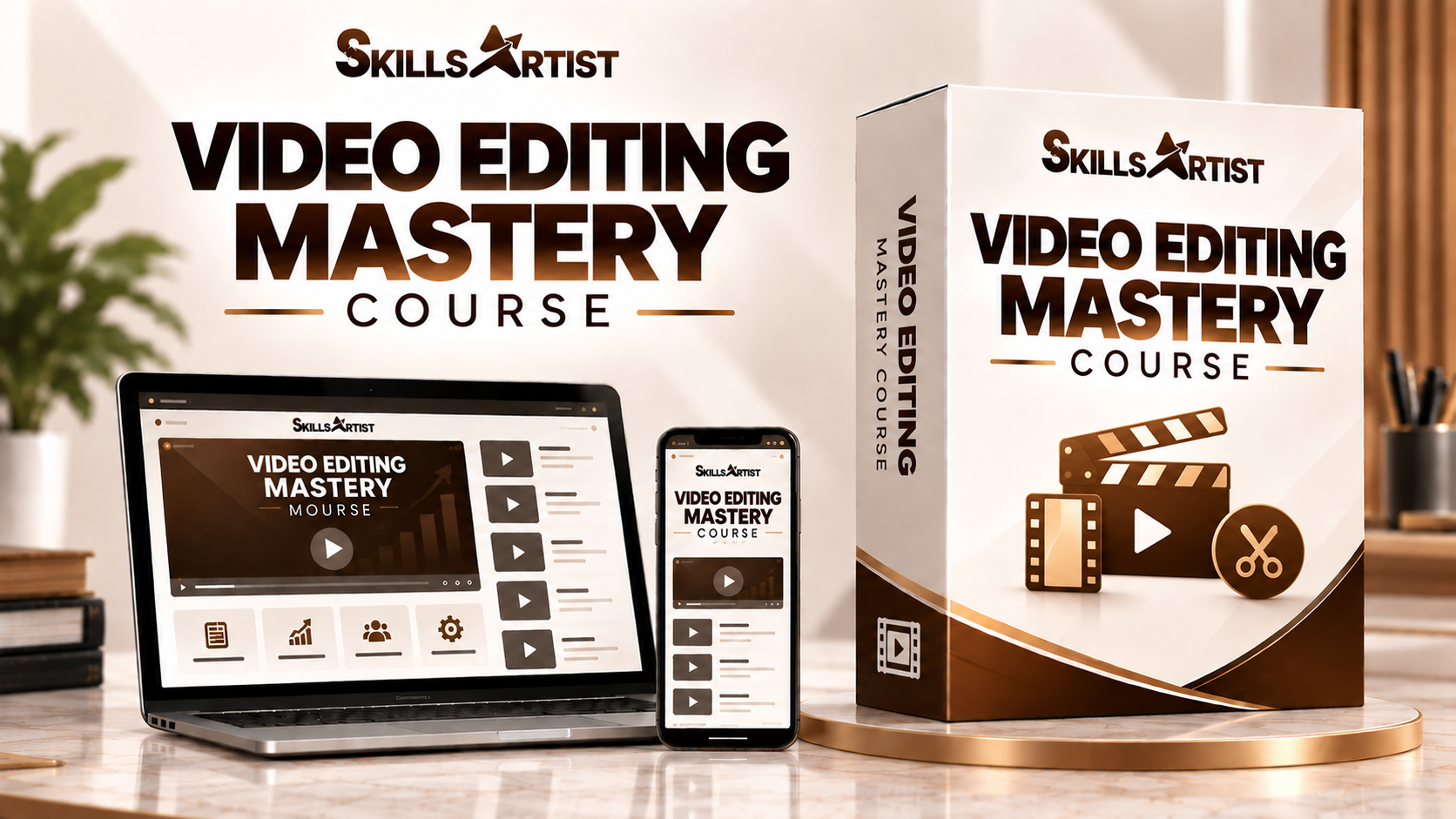
Learn mobile video editing with CapCut from beginner to advanced level. Create professional Reels, Shorts, social media videos and engaging digital content using just your smartphone.
What You’ll Learn:
Master mobile video editing with CapCut and learn how to create professional Reels, Shorts, social media videos, and promotional content using your smartphone. Develop practical editing skills through structured learning and training while exploring freelancing and client-based opportunities.
Video Editing Mastery is a practical mobile video editing course designed to help you learn professional video editing using CapCut on your smartphone.
Starting from the basics, you will learn how to use CapCut's tools and features and gradually move towards advanced editing techniques. You will learn to create engaging Instagram Reels, YouTube Shorts, promotional videos, social media content, and business videos directly from your mobile phone.
The course covers important editing techniques such as transitions, effects, captions, keyframes, animations, speed control, background removal, green screen, audio editing, sound effects, and color adjustments.
Along with editing skills, the training also focuses on the practical side of video editing—how to understand client requirements, create professional content, build your portfolio, and explore freelancing and client-based video editing opportunities.
The course includes structured learning and practical training to help you develop your skills step by step. After completing the required learning period, eligible learners can take the 25-question Skillsartist assessment and, if they qualify, receive a Skillsartist Certificate.
Learn CapCut. Edit on Mobile. Build Your Skills.


